Production Vector & Raster Assets
All assets are generated and saved in assets/images/ ready for web, mobile, and print.

Vaymora Global Vector Icon Mark
Pure scalable vector mark featuring the interlocking Moebius ribbon "V" with gradient depths. Perfect for avatars and app icons.

Horizontal Lockup (Dark Mode)
Full horizontal logo for dark websites, navigation headers, presentation decks, and GitHub repositories.

Horizontal Lockup (Light Mode)
Optimized for light headers, white stationery, invoices, PDF documents, and business press kits.


Favicon & Mobile Squircle Icon
Ultra-sharp icon embedded in a squircle container. Integrated into <head> for browser tabs and iOS home screen.

Brand Identity Mockups & 3D Vision
Photorealistic renderings showing the logo on corporate stationery, modern glass signage, and high-tech emblem displays.
3D Dimensional Emblem Concept
Dynamic neon volumetric depth with refractive cybernetic lighting, showcasing the futuristic soul of the startup.
View High-Res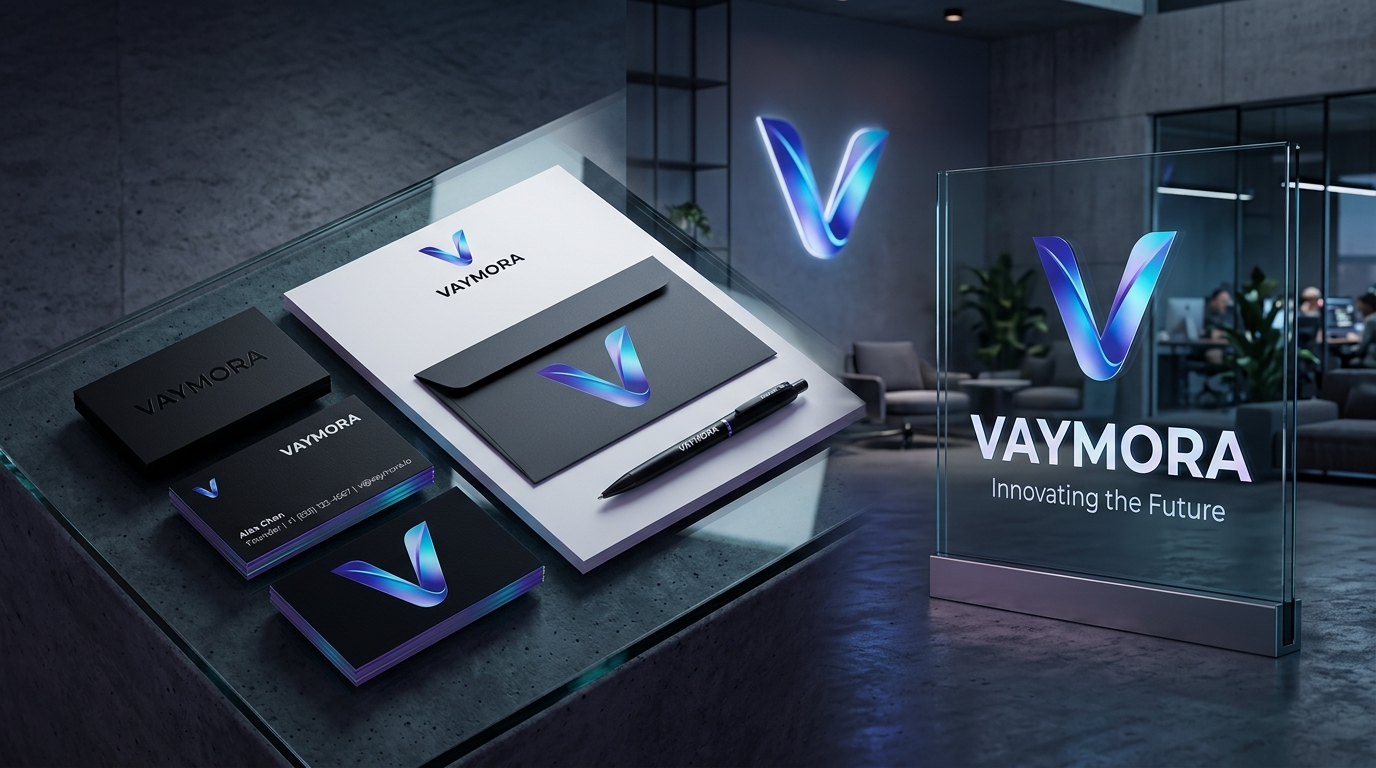
Executive Stationery & Office Lobby Signage
Matte black foil business cards, corporate stationery, and translucent glass signage in an architectural tech lobby.
View High-ResBrand Color Palette
Click any swatch to copy its exact HEX color code to your clipboard.
How to Edit & Customize in Adobe Illustrator
Because you have Adobe Illustrator installed on your system, you can open any of the vector assets directly or run the automated ExtendScript builder to generate a fully editable multi-layered master file.
Open Adobe Illustrator and choose File > Open → select assets/images/vaymora-logo-mark.svg or vaymora-logo-dark.svg. Illustrator preserves all paths, handles, and gradients as native vectors.
In Illustrator, choose File > Scripts > Other Script... (Ctrl+F12) and select vaymora-illustrator-build.jsx to generate layered swatches and auto-save vaymora-logo.ai.
Use File > Export > Export As... to export in CMYK for physical business cards, billboard signs, PDF vector manuals, or embroidery.
ExtendScript File Path: